OpenVPN Connect
Bring up this page on your Android device.
First, download the SlickVPN ovpn file (or choose a file from our Locations map) – Los Angeles Dallas New York Montreal
1. Install the OpenVPN Connect app from the Google Play store

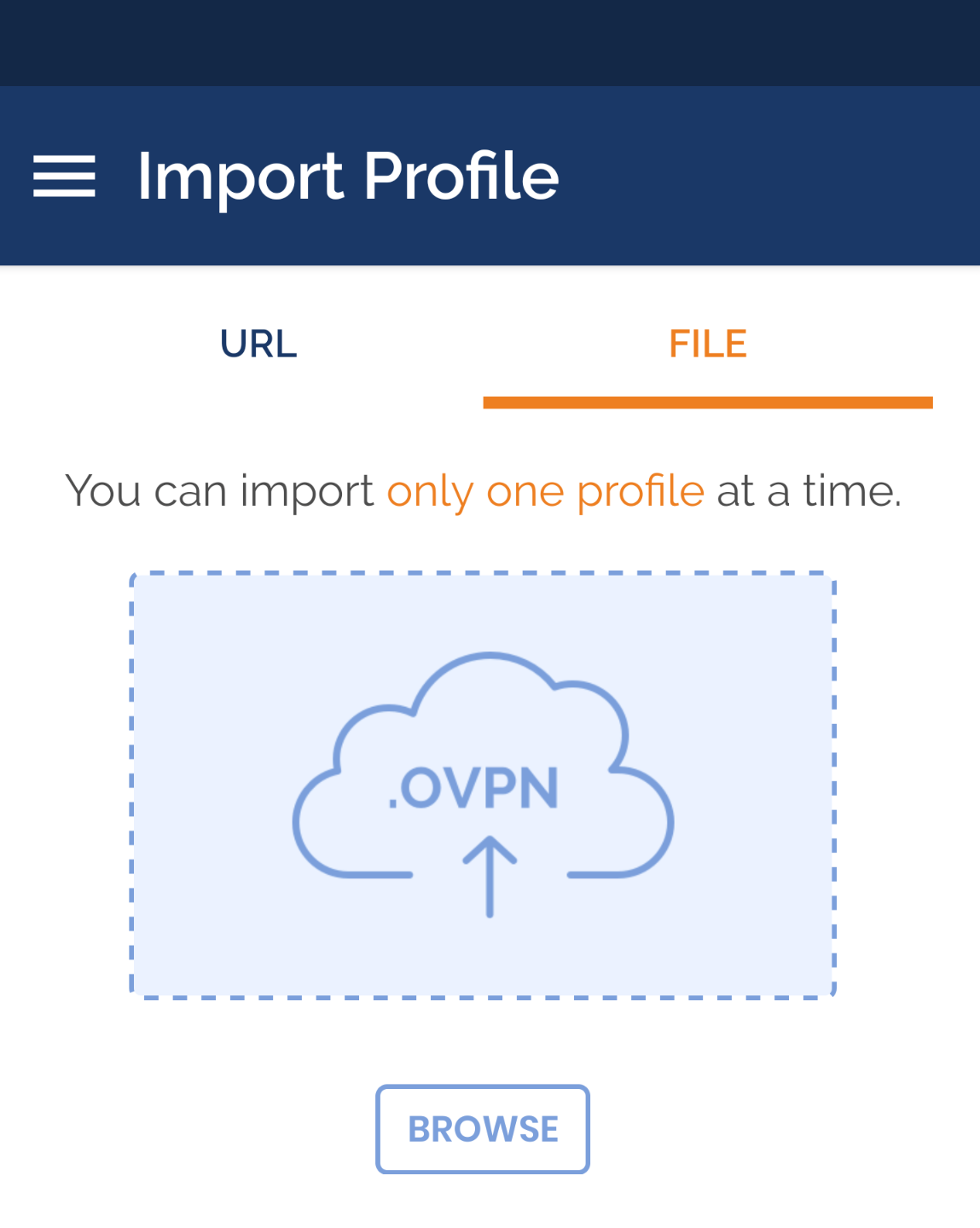
2. Tap the browse button to add the SlickVPN config; Find the downloaded .ovpn file and select it
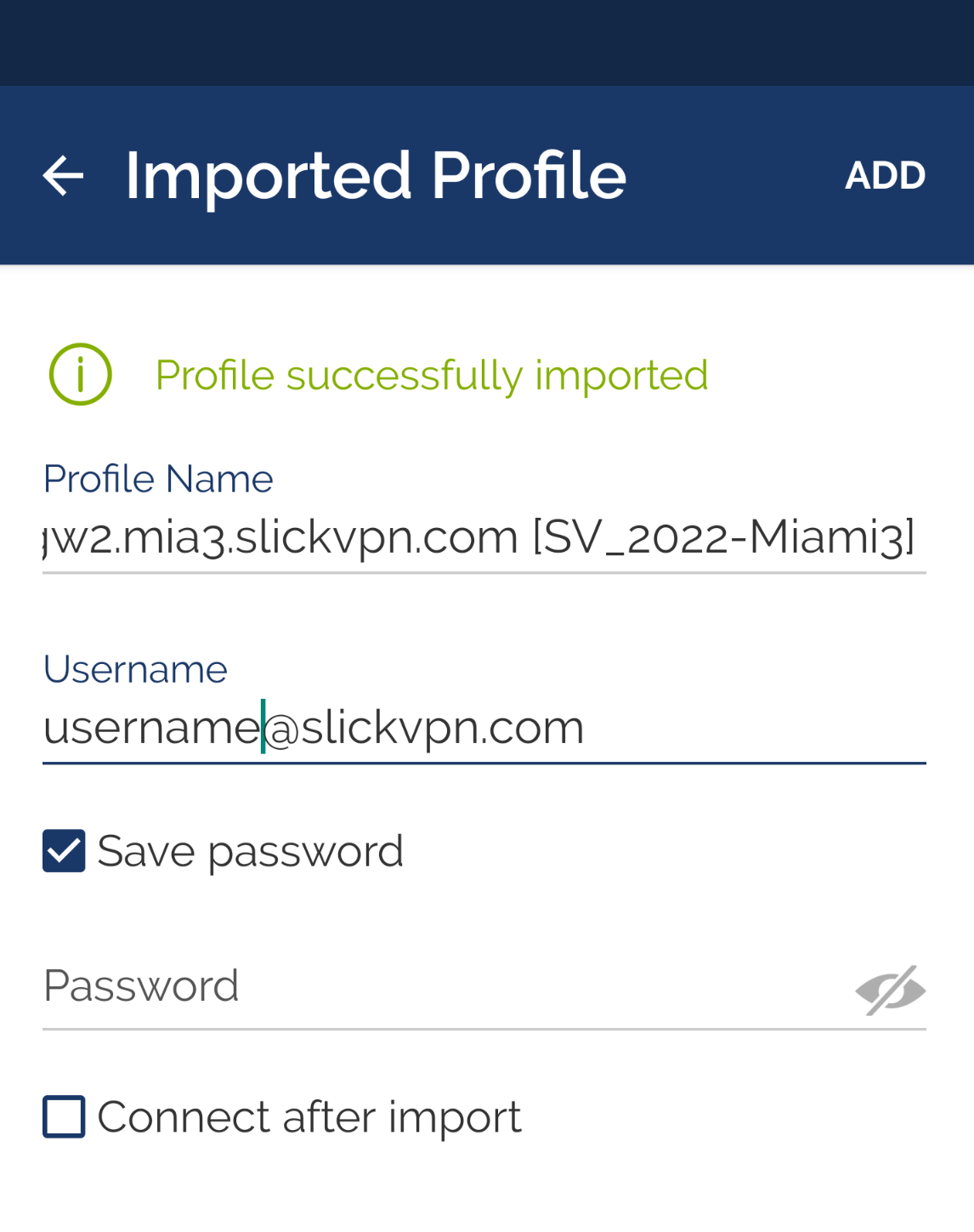
3. Enter SlickVPN Username and password; Click ADD
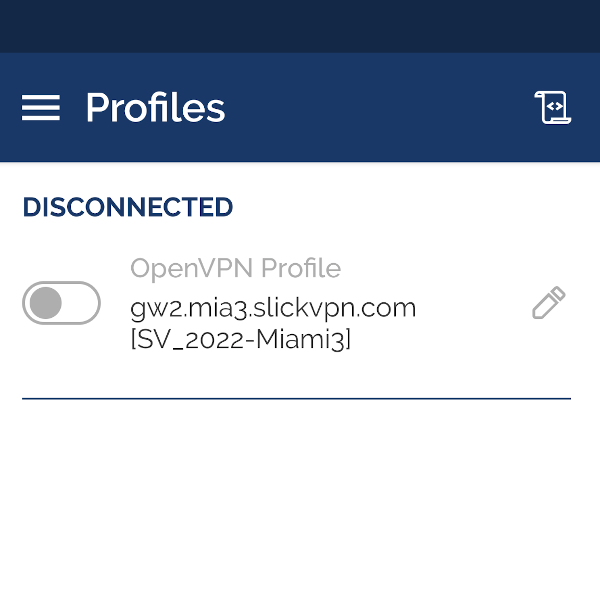
4. Tap the new entry to connect
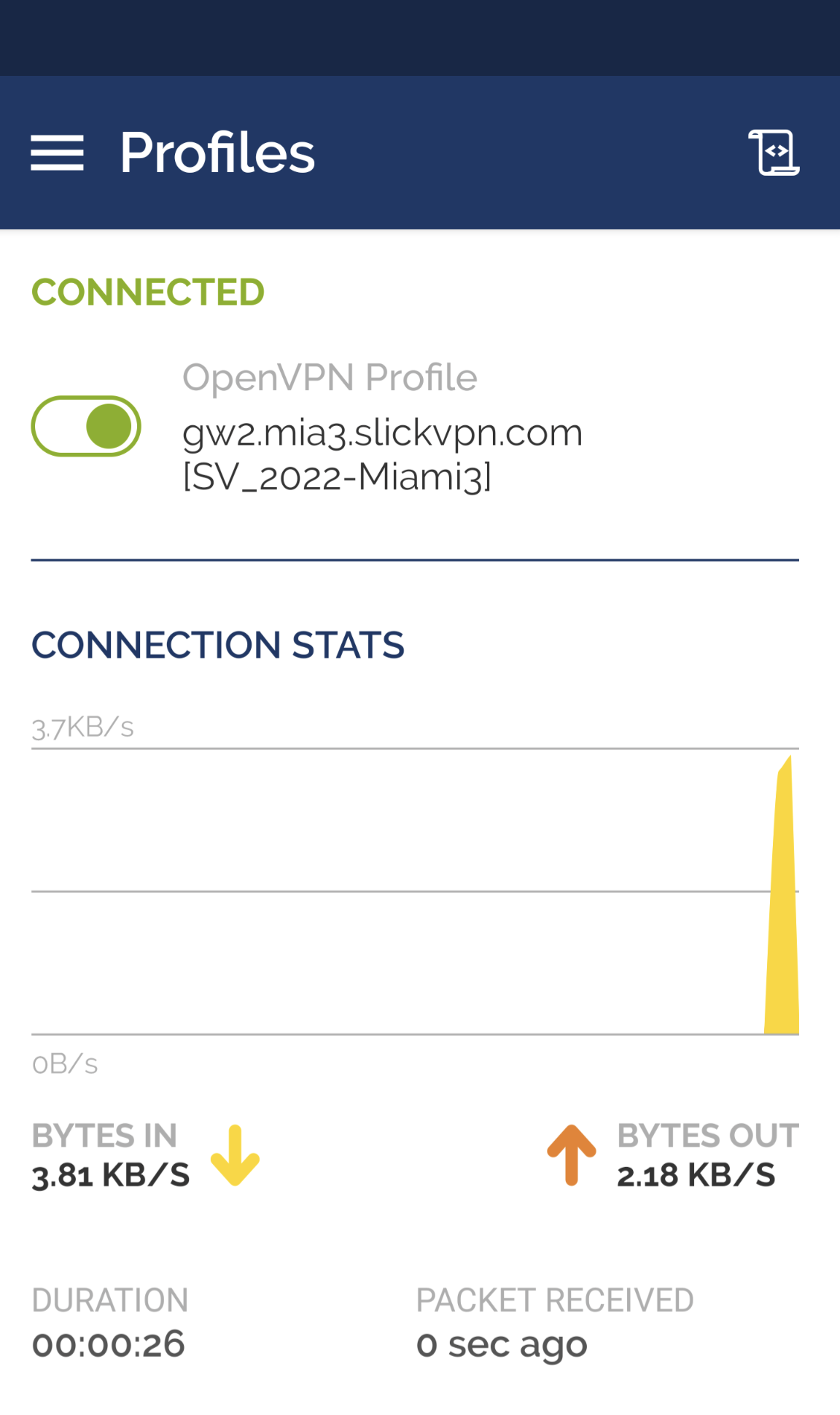
5. Connected!