
OS X – Install Guide
1. Open Finder; Go to the Downloads folder; Alt click SlickVPN.pkg file; Choose Open from the menu
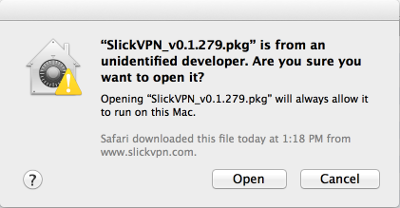
2. Click Open on the unidentified developer warning that appears
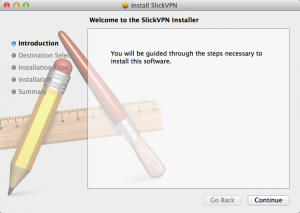
3. Follow through the instructions
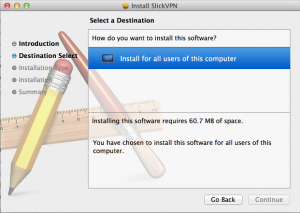
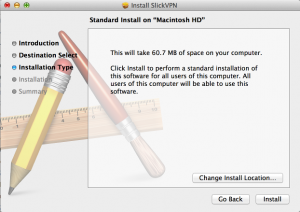
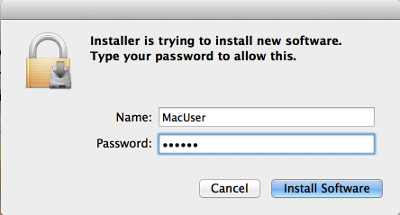
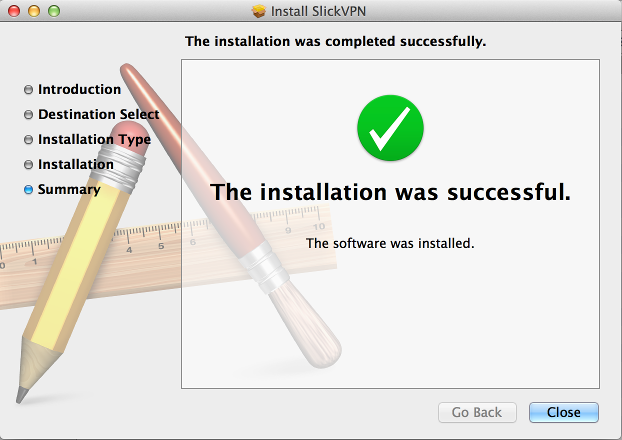
4. Click ‘Install Software’ in the warning box and enter password; Click ‘Close’ to finish install
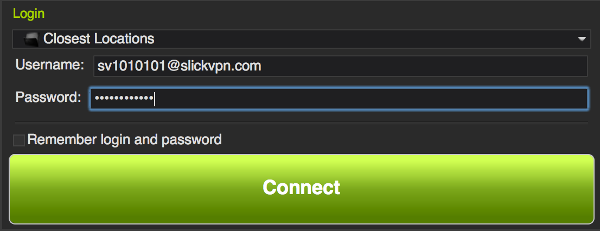
5. Enter your username and password, then click Connect
6. Wait for the checkbox in the upper right corner to turn green